

Workspaces and websites
A workspace is the home for your websites and the people who help you manage them. Subscriptions and AI credits now belong to the workspace, so you can manage them in one place.
Find the right workspace
Open your Pineapple dashboard.
Use the workspace switcher at the top left to choose your workspace.
Open Websites to find a site, or Workspace settings to manage the workspace.
If a website is missing, check the selected workspace and the account you signed in with.
What belongs where?
What you want to do | Where to go |
|---|---|
Edit pages, content or design | Open the website, then its editor |
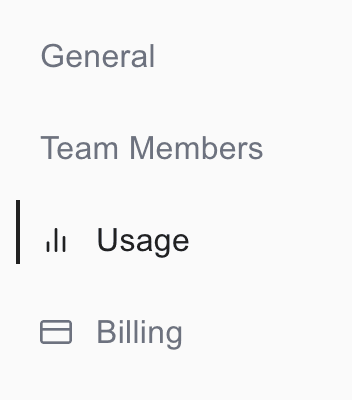
Invite someone to help | Workspace settings → Team Members |
Check shared AI credits | Workspace settings → Usage |
Buy or manage a subscription | Workspace settings → Billing |
Find your connected domains | Workspace → Domains |
A domain connects to an individual website. The workspace Domains view helps you find those connections; it does not assign one domain to every site.
What changed with subscriptions?
Eligible paid features now apply across the workspace. If you have more than one eligible subscription, the highest plan provides the workspace's features and eligible allowances are combined.
Subscriptions still have their own payments and renewal dates. Buying another subscription does not automatically cancel an existing one.
Read Manage subscriptions before buying or changing a plan.
Team members are different from website members
Team Members gives people access to work with you inside Pineapple. It is separate from visitors who register through your website's membership features.
Only workspace owners can manage billing. An invitation to edit a website does not make someone a billing owner.
Before deleting anything
Deleting a website does not cancel workspace subscriptions or remove the workspace's shared AI credits. Deleting the whole workspace affects its websites and content, and is blocked while billing or pending checkout conditions require attention.
To stop a recurring payment, use Cancel a subscription.

