
Pika — Notion template business website template
A playful creator website for presenting Notion templates, digital resources, and the person behind the products.
RemixNo code needed. Customise before publishing.
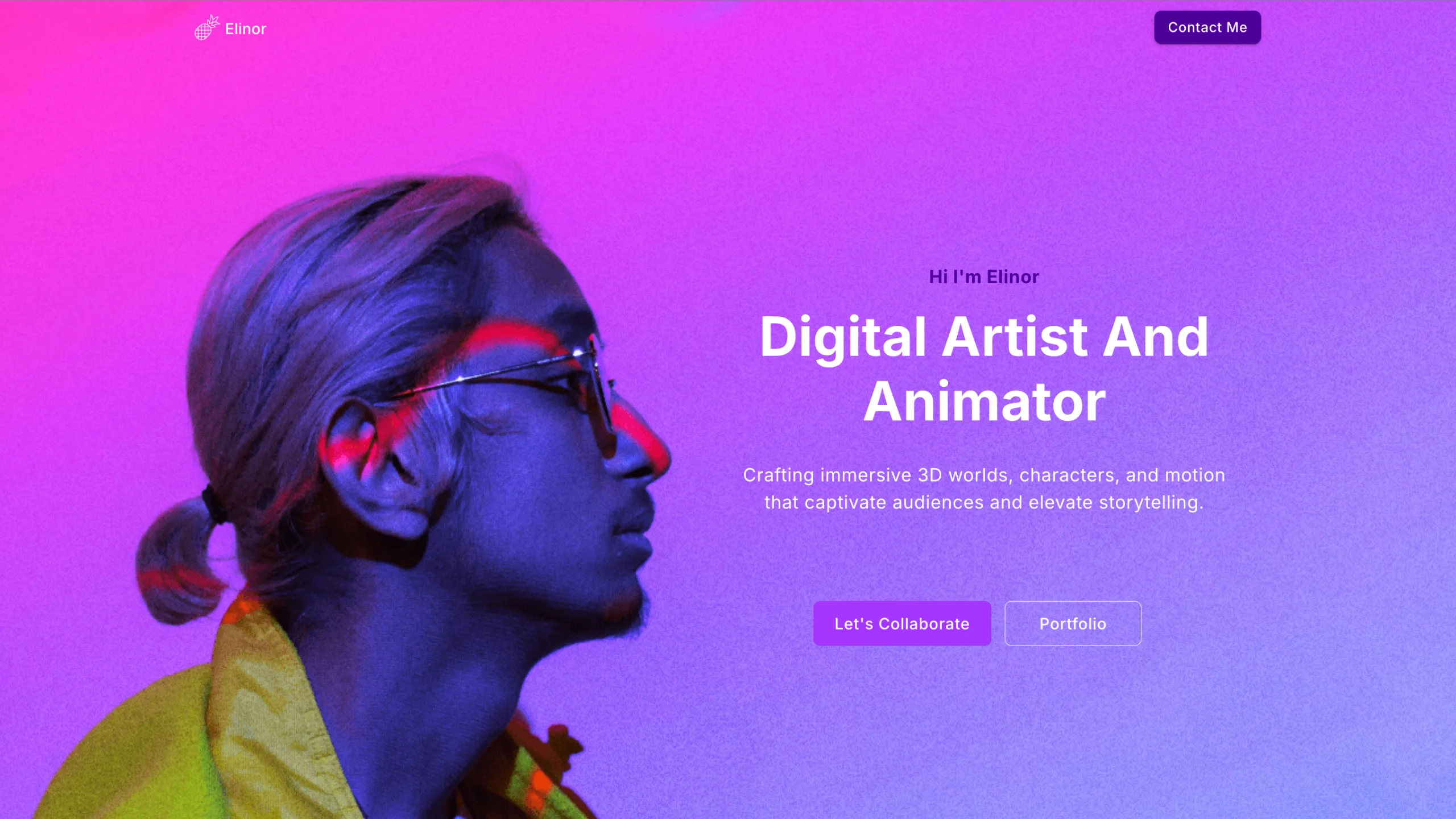
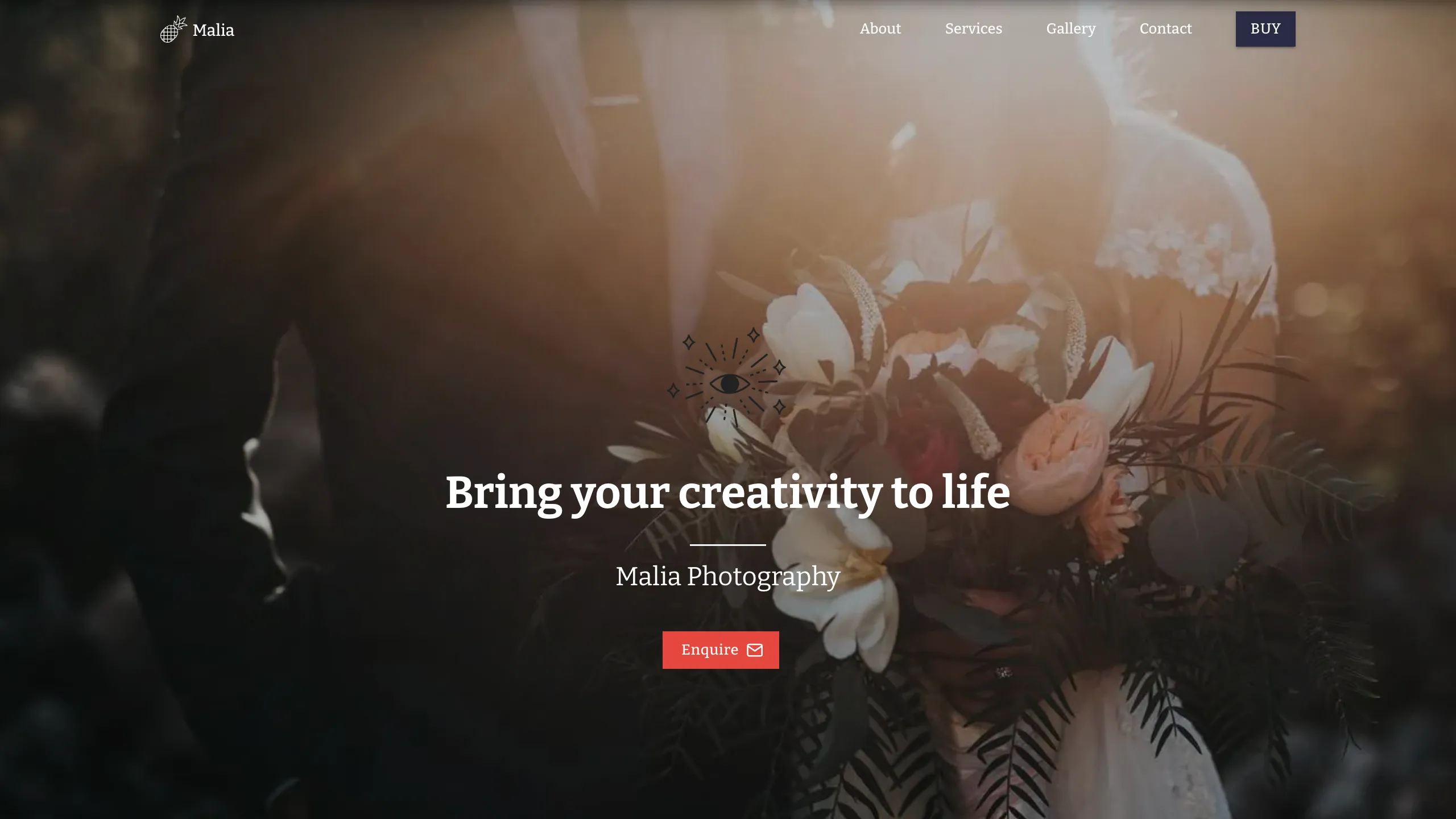
Pika preview · Home
Designed for
Notion template creators, productivity educators, digital-resource businesses, and solo creators selling or sharing organised systems.
Explain the product simply
Clean layouts show what each template helps users organise or achieve.
Build a creator brand
Illustration-led design keeps the business personal and approachable.
Support product discovery
Portfolio and product-detail pages give each resource a clear place.
Includes 3 pages
Home, Template detail, Template library
3 pages
A complete website structure
Responsive
Preview every device size
AI customisable
Adapt it without code
Creator focused
Built for digital resources
About the template
About the Pika template
Pika is a playful Notion template business website with clean white space, friendly illustration, and a product-first structure. It suits creators who want more control over their story than a marketplace profile provides.
The three-page setup separates the creator’s main message from a portfolio of resources and individual product detail. Buttons can link to your existing checkout, marketplace listing, or signup flow.
Business benefits
Built to make digital templates easier to choose
Show the use case first
Explain the workflow or problem each Notion template helps solve.
Give products useful detail
Present screenshots, included views, intended users, and setup expectations.
Build trust in the creator
Connect the product collection to your experience, teaching, or point of view.
Included pages
A complete website structure
Each page has a clear job in the visitor journey. Preview them above before you start customising.
Home
Introduce the creator brand, featured resources, benefits, and primary shop action.
Template detail
Explain one product’s use case, contents, screenshots, and purchase route.
Template library
Help visitors browse your Notion templates or digital resources.
Template fit
Is Pika right for your business?
Best for
Notion template creators
Productivity educators
Digital-resource businesses
Solo creators with a small product library
What you can customise
Rewrite the copy around your business, audience, and location
Change the colours, fonts, images, and button styles
Replace the illustrations, template library, product screenshots, creator story, and checkout links
Add, remove, or reorder sections before publishing
Getting started
From Pika to your own website
Choose Pika
Start with the notion template business website template and its responsive layout.
Tell AI about your business
Describe your digital products, ideal users, use cases, creator story, and where customers complete the purchase.
Review and publish
Check every page and device view, connect your domain, and launch.
Template questions
Frequently asked questions
Who is the Pika template for?
Notion template creators, productivity educators, digital-resource businesses, and solo creators selling or sharing organised systems.
What pages are included with Pika?
Pika includes 3 pages: Home, Template library, Template detail. You can keep, rename, or extend this structure in Pineapple Builder.
Can I customise the Pika template?
Yes. You can replace the copy and images, change the visual style, and adapt the sections for your digital products, screenshots, creator story, and external checkout route without coding.
Is Pika mobile friendly?
Yes. Pika is responsive, and the live preview lets you inspect its desktop, tablet, and mobile layouts before you start.
Explore more designs