
Ivy — SaaS landing page template
A clean product website for analytics, finance, and B2B software that needs to explain value before asking users to start.
RemixNo code needed. Customise before publishing.
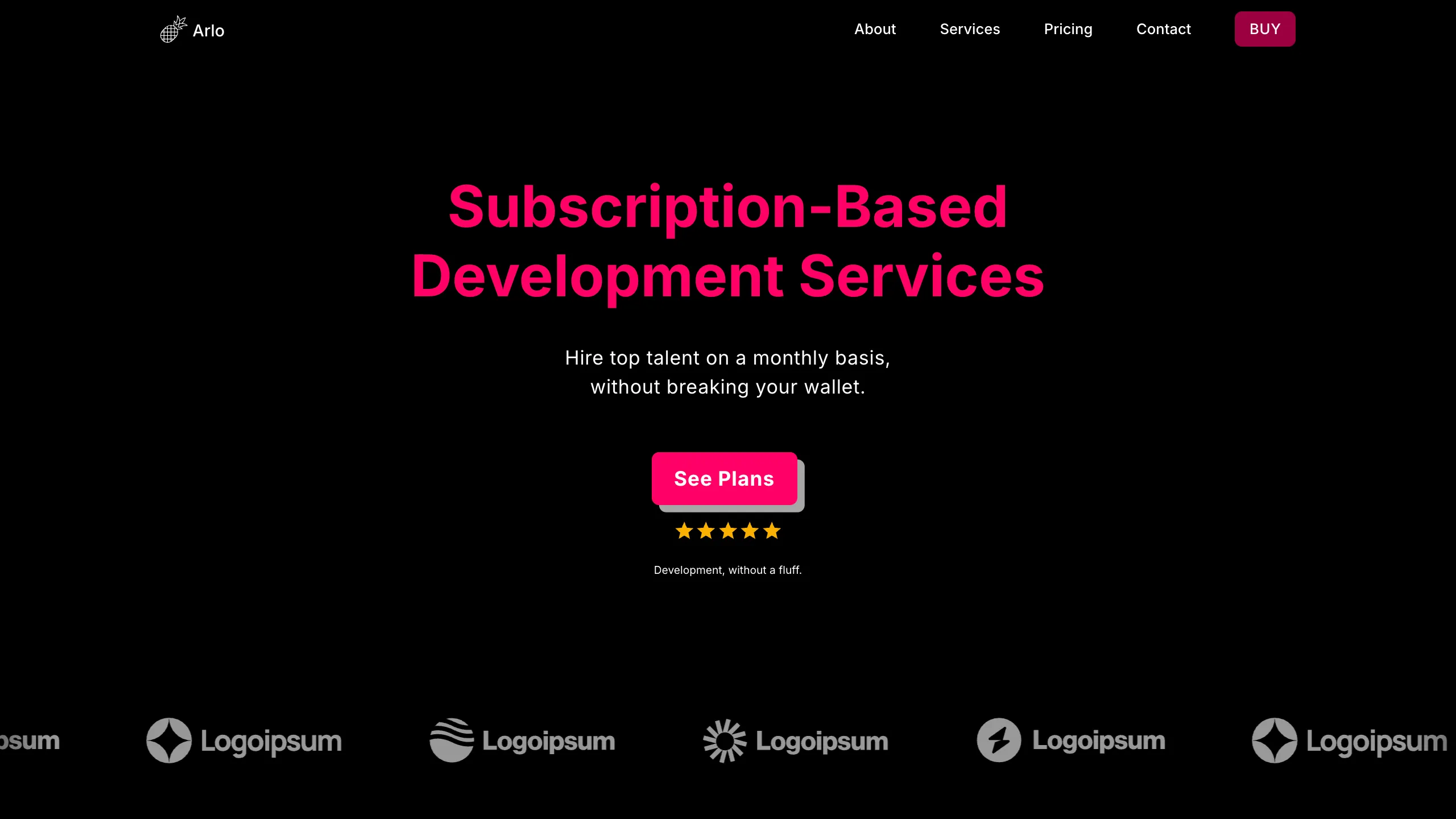
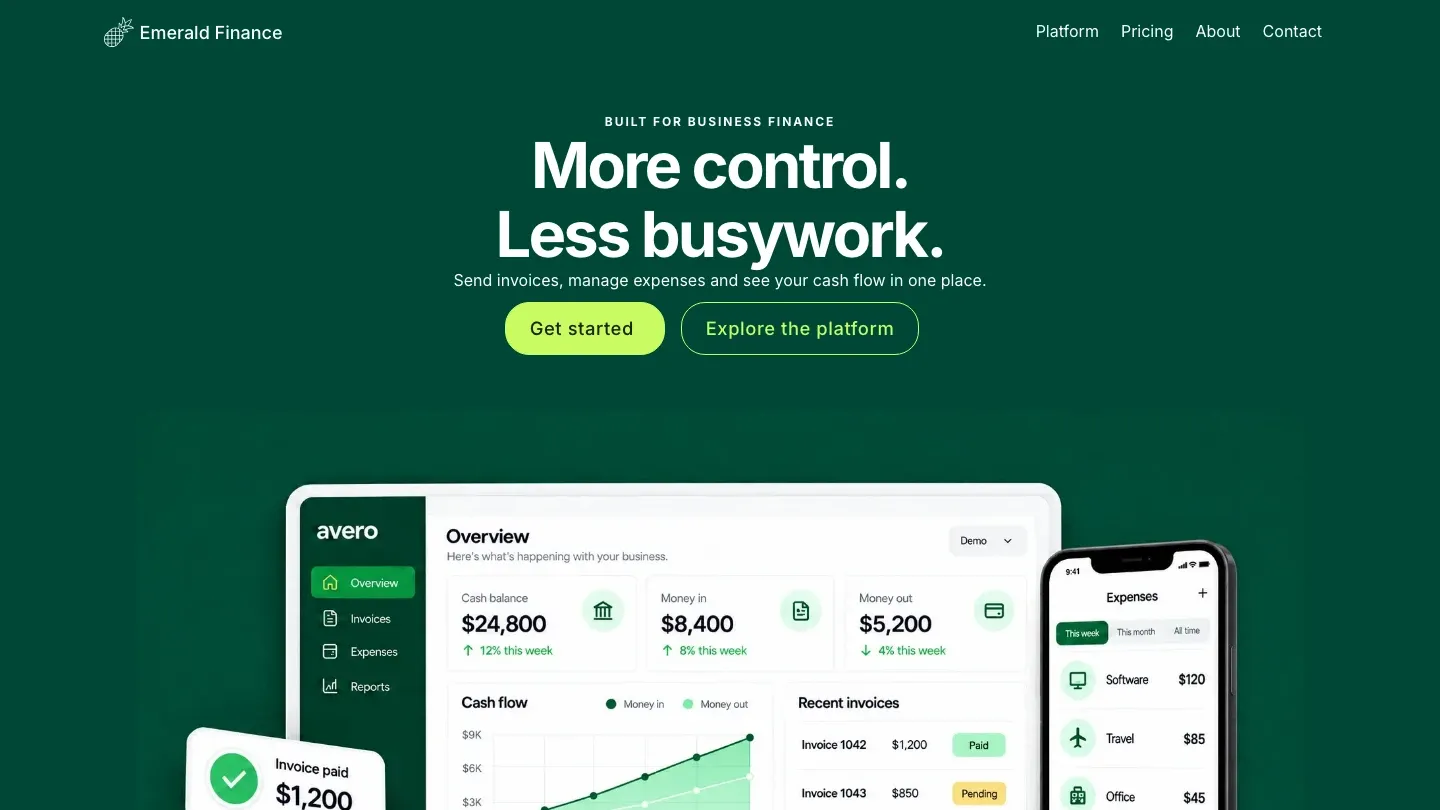
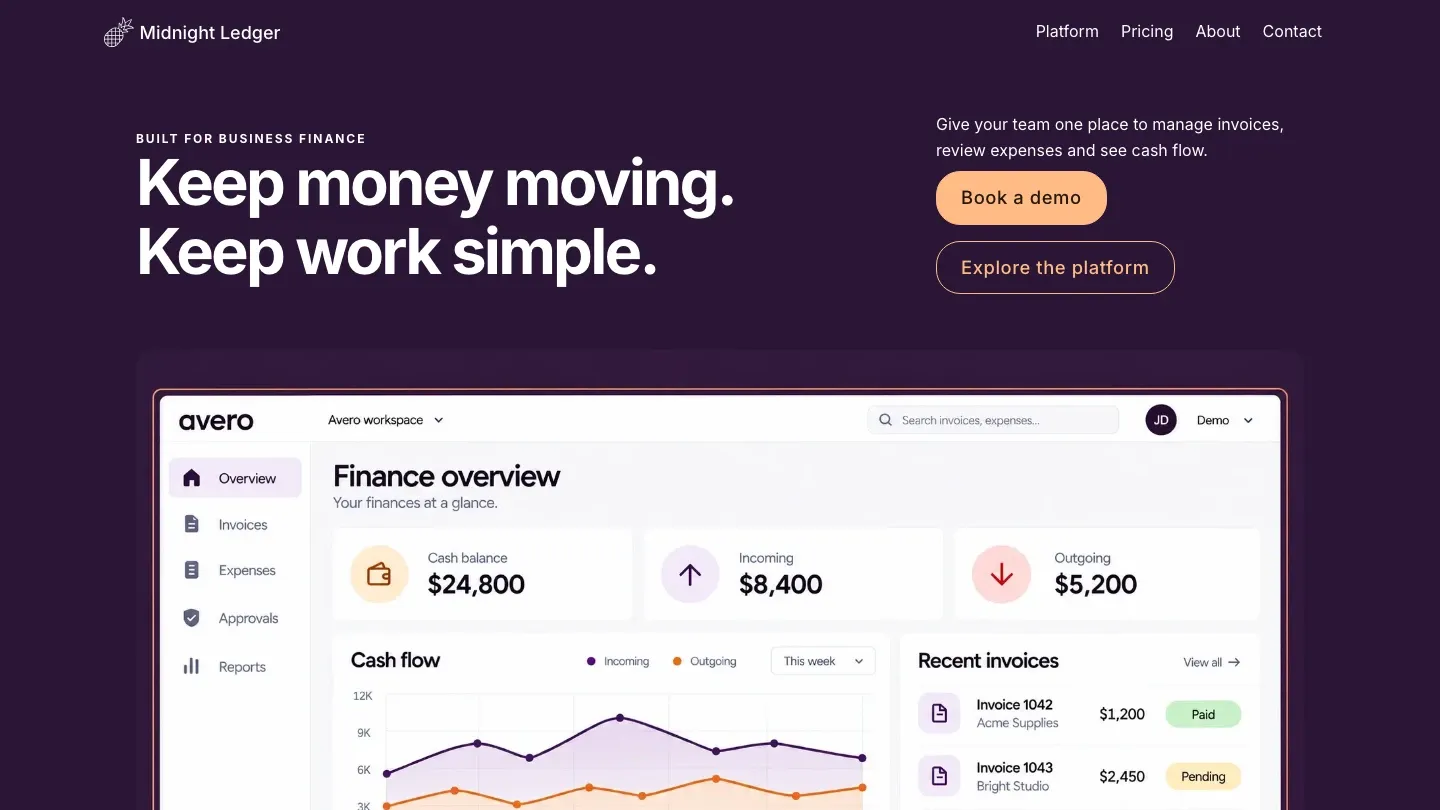
Ivy preview · Home
Designed for
Early-stage SaaS teams, analytics products, fintech tools, and B2B software businesses with a clear self-serve or demo-led offer.
Make the product understandable
Feature-led sections turn a technical dashboard into clear customer outcomes.
Show the interface
Product imagery and dashboard previews give visitors evidence before signup.
Support product evaluation
Pricing, features, and help pages answer the questions that block a trial.
Includes 4 pages
Home, Pricing, Help, Features
4 pages
A complete website structure
Responsive
Preview every device size
AI customisable
Adapt it without code
Product focused
Built for software evaluation
About the template
About the Ivy template
Ivy is a structured SaaS landing page template with a calm navy palette and product-dashboard focus. It gives software teams a clear way to connect product capabilities with the business outcomes buyers care about.
The four-page site separates features, pricing, and help content from the main sales story. This makes it useful for products that need more explanation than a single launch page can provide.
Business benefits
Built to make software easier to evaluate
Lead with the customer outcome
Explain the result your software creates before listing technical features.
Turn features into proof
Use interface visuals and focused explanations to make the product feel real.
Remove signup friction
Answer pricing and support questions before asking visitors to try or book a demo.
Included pages
A complete website structure
Each page has a clear job in the visitor journey. Preview them above before you start customising.
Home
Connect the main product promise with interface proof and a focused signup action.
Pricing
Compare plans, included limits, and the best fit for each customer type.
Help
Answer setup, product, and support questions that affect adoption.
Features
Explain the core workflows and the customer benefit behind each capability.
Template fit
Is Ivy right for your business?
Best for
B2B SaaS products
Analytics and reporting tools
Fintech and payment software
Startups with self-serve plans
What you can customise
Rewrite the copy around your business, audience, and location
Change the colours, fonts, images, and button styles
Replace the dashboard visuals, product benefits, feature groups, pricing plans, and support content
Add, remove, or reorder sections before publishing
Getting started
From Ivy to your own website
Choose Ivy
Start with the saas landing page template and its responsive layout.
Tell AI about your business
Describe your product, ideal customer, main workflow, differentiators, plans, and signup or demo action.
Review and publish
Check every page and device view, connect your domain, and launch.
Template questions
Frequently asked questions
Who is the Ivy template for?
Early-stage SaaS teams, analytics products, fintech tools, and B2B software businesses with a clear self-serve or demo-led offer.
What pages are included with Ivy?
Ivy includes 4 pages: Home, Features, Pricing, Help. You can keep, rename, or extend this structure in Pineapple Builder.
Can I customise the Ivy template?
Yes. You can replace the copy and images, change the visual style, and adapt the sections for your software product, features, interface, plans, and onboarding action without coding.
Is Ivy mobile friendly?
Yes. Ivy is responsive, and the live preview lets you inspect its desktop, tablet, and mobile layouts before you start.
Explore more designs